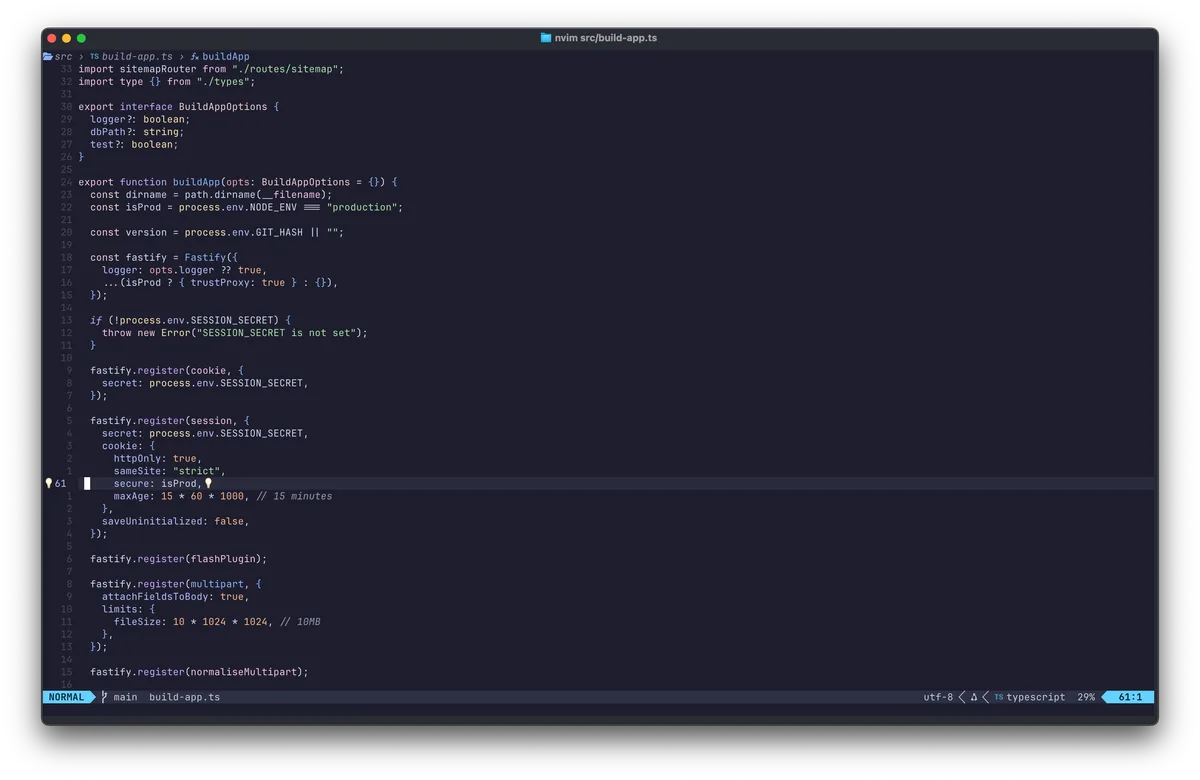
Building a blog with Fastify, SQLite, and zero frameworks
Why I built my blog with Fastify, SQLite, and server-rendered templates instead of Next.js and Postgres. The stack, the trade-offs, and why boring tech won.
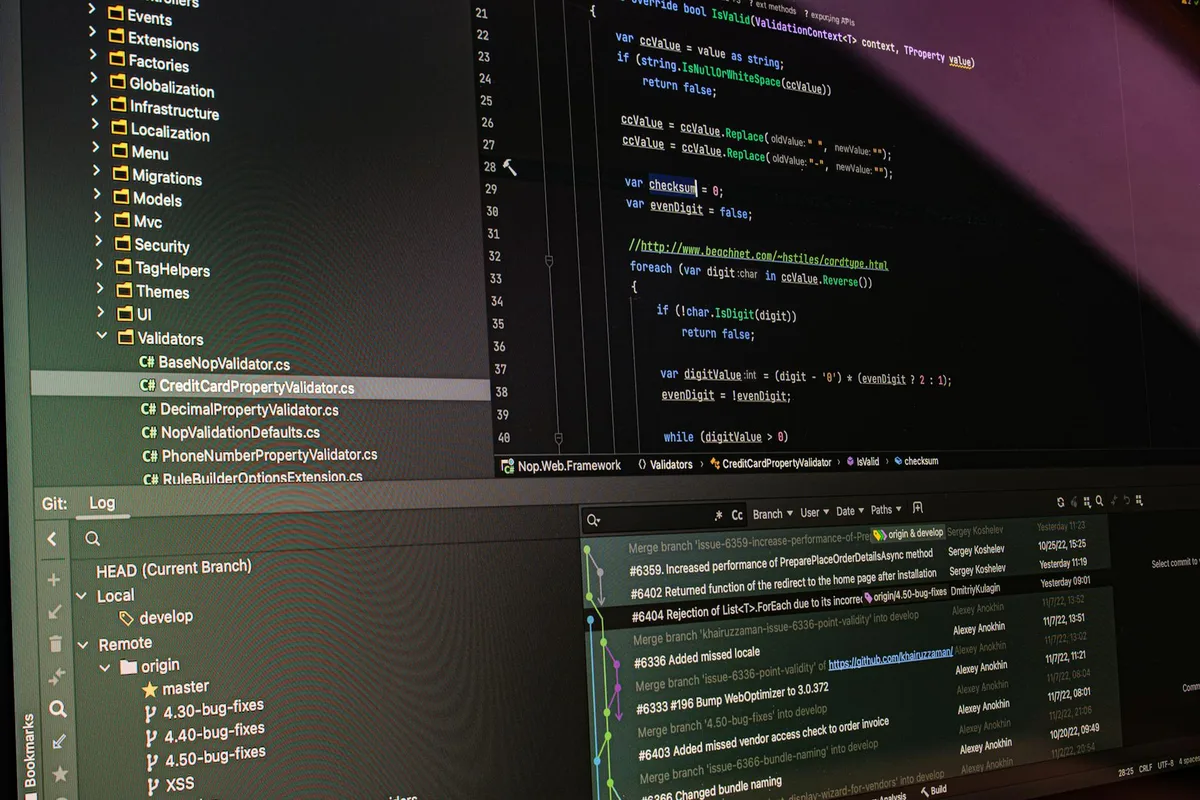
Git users - do this happen to you?
An error comes in via Hoptoad and it needs to be fixed asap. I manage to track down the source, and commit a fix. I go make a coffee while Capistrano does its thing. Crisis averted.
I come back to find my Inbox full of Hoptoad exceptions. As usual I find out I broke the build and rollback to the previous, less broken version. It dawns on me that I was working in the wrong branch and pushed with it some unfinished stuff. I spend a minute or so sorting it out and redeploy.
The reason I posed my original question, is because this has happened to me on more than one occasion. Only recently have I found a quick <a href=“http://railstips.org/blog/archives/2009/02/02/bedazzle-your-bash-prompt-with-git-info/”>solution</a> that seems to be working well for me - showing the current git branch in your bash prompt.
Throw the following snippet in your bash_profile (alter the colours to suit), load up a new terminal session and change into the root of one of your projects that you manage in git.
{{< highlight bash >}}
function parse_git_branch { git branch --no-color 2> /dev/null | sed -e ‘/^[^]/d’ -e 's/ (.*)/(\1)/’ }
RED=“[\033[0;31m]” YELLOW=“[\033[0;33m]” NO_COLOUR=“[\033[0m]”
PS1=“$RED$(date +%H:%M) \w$YELLOW$(parse_git_branch)$ $NO_COLOUR” {{< / highlight >}}
This tweak also means that I don’t have to keep typing git branch all over the place.